The Best Laptops for Film Students: Editing, Processing, and Rendering Power
6 June 2026
So, you're diving into the world of film—cameras, cuts, color grading, and all. Whether you're just starting out or already knee-deep in Adobe Premiere Pro, one thing is clear: you need a laptop that can keep up. But not just any laptop. You need one that won't crash mid-edit, make rendering feel like waiting for paint to dry, or stutter when previewing high-res footage.
With so many options out there, picking the right machine can feel like trying to direct a film with no script. But don’t worry. We’re here to guide you through the best laptops for film students—focusing on editing, processing, and rendering power.
Why Film Students Need a Powerhouse Laptop
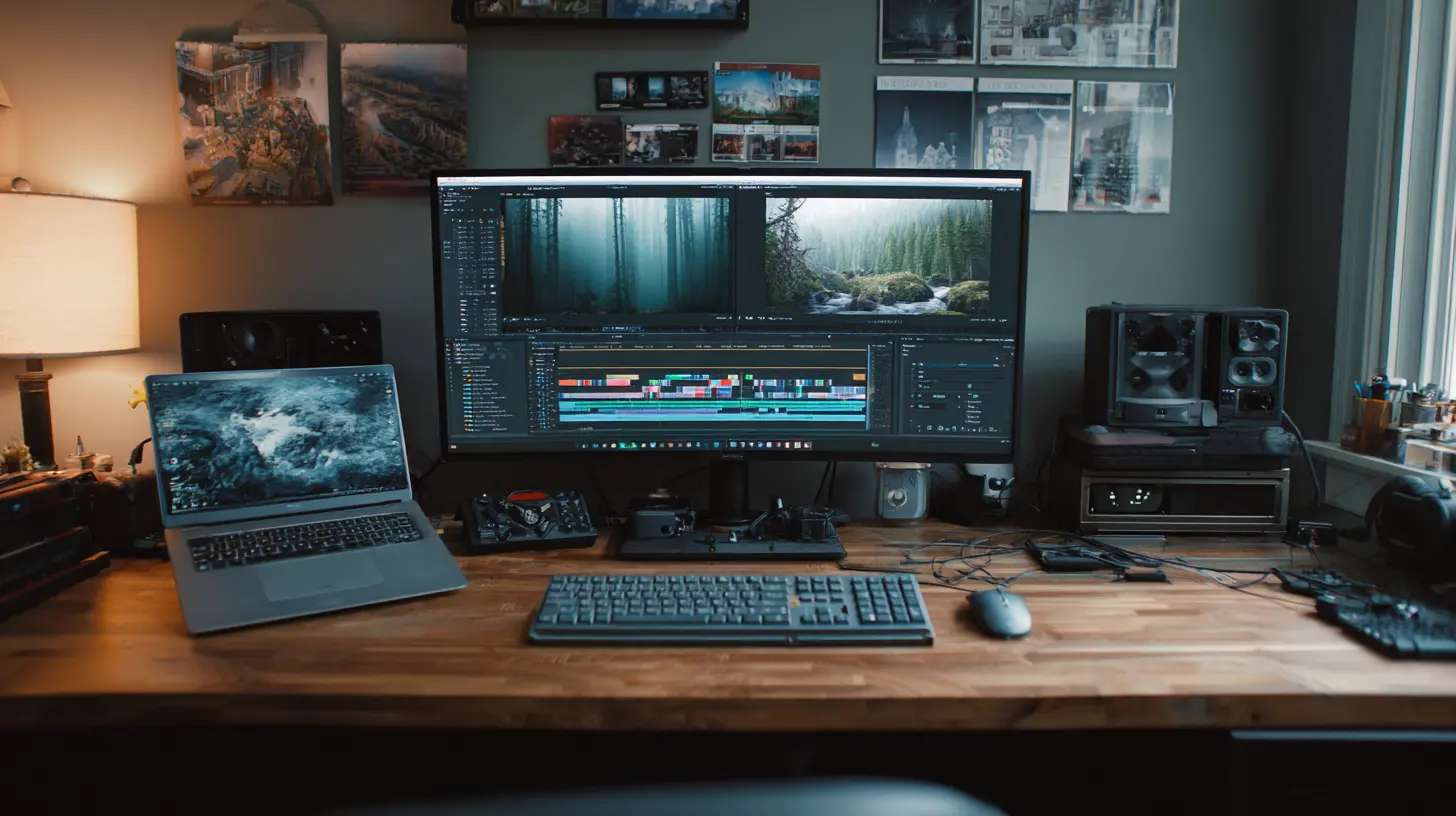
Film students don’t just write scripts or shoot scenes—they also spend hours editing, color correcting, rendering, and exporting videos. All these tasks are hardware-intensive. We’re talking large 4K video files, heavy software like Adobe Premiere Pro, DaVinci Resolve, or Final Cut Pro, and the need for speed when multitasking.Basically, if your laptop isn’t built to handle the grind, it becomes the weakest link in your creative workflow.
Let’s break down what makes a laptop great—not just good—for film students.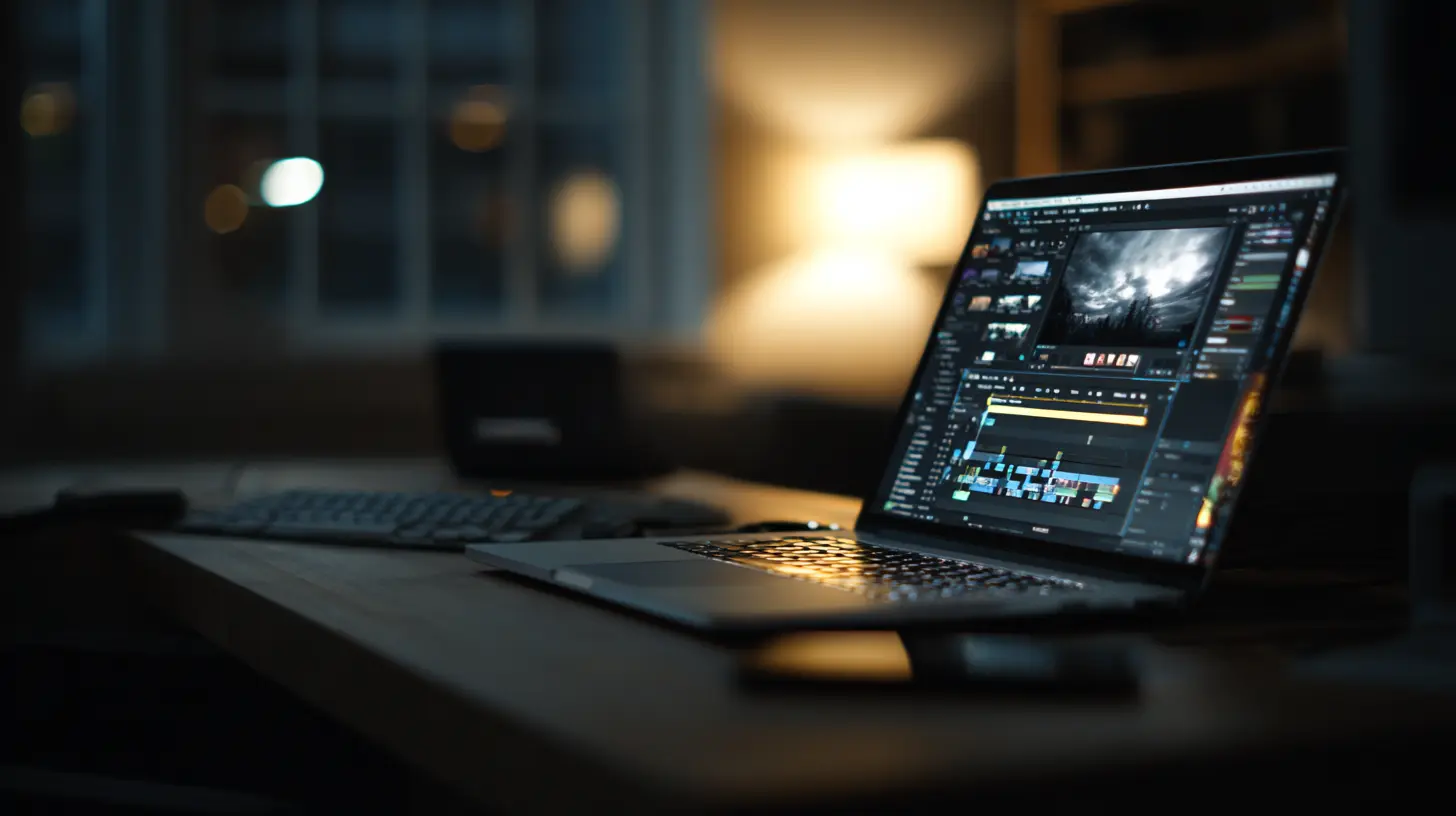
What to Look for in a Laptop for Film Editing
Before we jump into the best laptops, let’s get on the same page about the specs that actually matter.? Processor (CPU)
This is the heart of your laptop. A powerful CPU means faster rendering and smoother editing. Think Intel i7 or i9, or Apple M1/M2 chips, or AMD Ryzen 7 or 9 levels of power.? Graphics Card (GPU)
Video editing is visually intense. A good GPU is key for real-time playback and fast rendering. Aim for at least NVIDIA RTX 3050 or better, or Apple’s integrated GPU in M1 Pro/Max and M2 Pro/Max chips.? RAM (Memory)
Video editing eats RAM like popcorn during a midnight screening. You’ll want at least 16GB—but 32GB gives you that sweet extra breathing room.? Storage
Footage files are huge. SSDs (Solid State Drives) are a must for faster load times and smooth editing. Go for at least 512GB SSD, but 1TB is ideal.?️ Display
A beautiful, color-accurate screen helps you make precise edits and do justice to your footage. Look for high-resolution (preferably 4K), IPS displays with great color reproduction.? Battery Life
Film students are often on the go—from classroom edits to late-night coffee shop sessions. A laptop with solid battery life ensures you’re not always hunting for an outlet.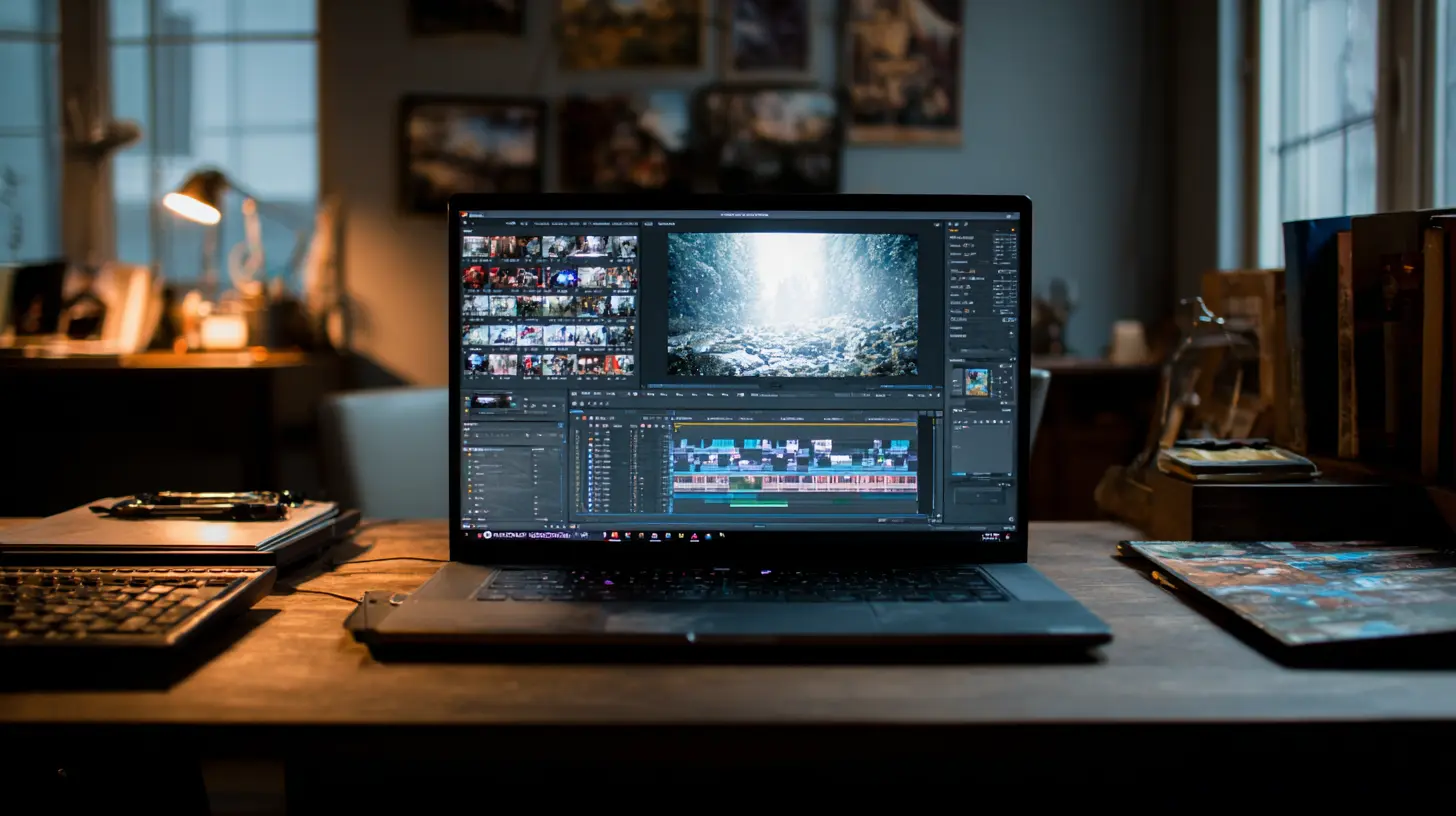
Top 7 Best Laptops for Film Students in 2024
Now that we know what to look for, let’s walk through the cream of the crop—the best laptops for aspiring filmmakers.1. ? MacBook Pro 16" (M2 Pro or M2 Max)
Best overall for Mac users and Final Cut Pro loyalists- CPU/GPU: Apple M2 Pro or M2 Max
- RAM: 16GB – 64GB
- Storage: 512GB – 4TB SSD
- Display: 16.2" Liquid Retina XDR, 3456 x 2234
- Battery Life: Up to 21 hours
Apple has basically become the Spielberg of creative laptops. The MacBook Pro 16" is a beast. It handles 8K video timelines without breaking a sweat and renders faster than you can say “export.” If you're in the Apple ecosystem or using Final Cut Pro, this is a no-brainer.
2. ? Dell XPS 15 (2024)
Best Windows all-rounder for Adobe Creative Suite users- CPU: Intel Core i7-13700H
- GPU: NVIDIA GeForce RTX 4070
- RAM: 16GB – 64GB
- Storage: 1TB SSD
- Display: 15.6" OLED 4K UHD+
This one’s sleek, powerful, and surprisingly lightweight, making it perfect for campus life. The 4K OLED display is stunning—it gives you true blacks and vibrant colors, which is a dream for color grading. Plus, the RTX 4070 makes Premiere Pro a breeze.
3. ? ASUS ROG Zephyrus G14
Best for students who game and edit- CPU: AMD Ryzen 9 7940HS
- GPU: NVIDIA RTX 4060
- RAM: 16GB – 32GB
- Storage: 1TB SSD
- Display: 14" QHD 165Hz
It’s compact, powerful, and perfect for students who want to mix work and a bit of play. Don't let the gaming label fool you—this laptop is battle-tested for editing. It’s fast, responsive, and handles rendering like a champ.
4. ? HP Spectre x360 16"
Best 2-in-1 for hybrid creatives- CPU: Intel Core i7-1360P
- GPU: Intel Iris Xe / Optional RTX 3050
- RAM: 16GB – 32GB
- Storage: 1TB SSD
- Display: 16" 3K+ OLED Touch
Looking for flexibility? The HP Spectre offers a gorgeous, color-accurate touchscreen display and folds into tablet mode—a nice perk for sketches or storyboarding. It’s not the absolute fastest, but it’s more than enough for most editing workflows.
5. ? Apple MacBook Air 15" (M2)
Best lightweight option for beginner film students- CPU/GPU: Apple M2
- RAM: 8GB – 24GB
- Storage: 256GB – 2TB SSD
- Display: 15.3" Liquid Retina
Still want Apple power but not ready for Pro pricing? The MacBook Air with M2 is shockingly capable for light to medium editing. It can handle HD and even light 4K without breaking a sweat. And hey, it’s light enough to carry all day.
6. ? Lenovo Legion Pro 7i (Gen 8)
Best Windows laptop for insane rendering speed- CPU: Intel Core i9-13900HX
- GPU: NVIDIA RTX 4080
- RAM: 32GB
- Storage: 1TB SSD
- Display: 16" WQXGA, 240Hz IPS
If performance is your main concern, this one doesn’t mess around. Built for gamers but perfect for filmmakers, it's got everything—speed, built-in AI features, massive cooling, and screen real estate for days.
7. ? Microsoft Surface Laptop Studio 2
Best for multitasking creatives- CPU: Intel Core i7-13700H
- GPU: NVIDIA RTX 4050 or 4060
- RAM: 16GB – 64GB
- Storage: Up to 2TB SSD
- Display: 14.4" PixelSense Flow, 120Hz, Touchscreen
This isn’t just a laptop—it’s a whole creative station. With its tilting screen and stylus support, it's perfect for storyboard artists, editors, and VFX students alike. It’ll handle your After Effects projects without complaint.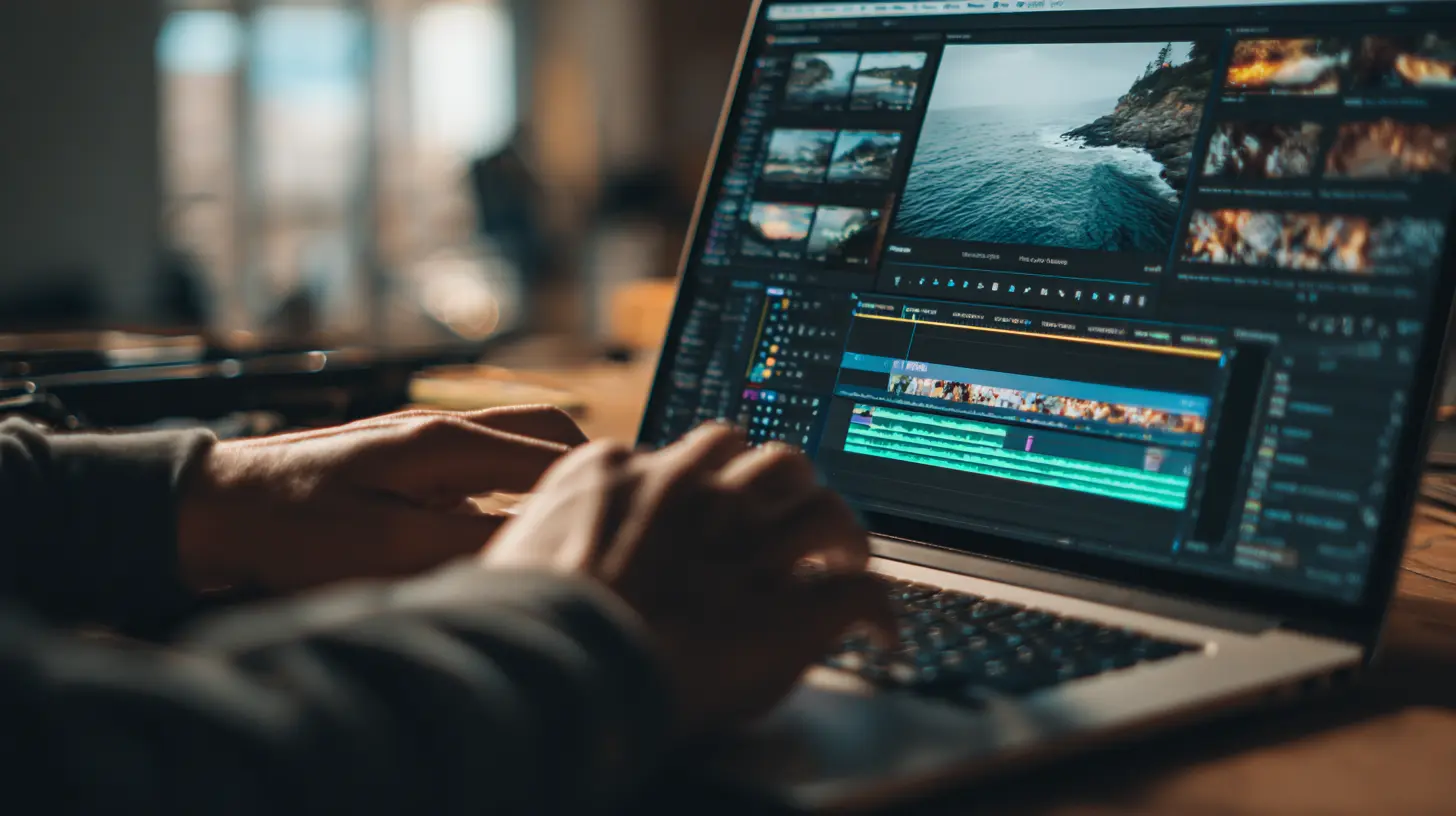
Editing Software Compatibility: Mac vs Windows
Let’s address a key question film students often ask: Should I get a Mac or PC?Here’s the deal:
- If you use Final Cut Pro, you’ll need a Mac.
- If you’re all-in on Adobe Premiere Pro, DaVinci Resolve, or Avid—both Mac and Windows work well.
- Macs offer smoother hardware-software integration and longer-lasting builds.
- Windows laptops generally offer more specs for your dollar and better customization.
So, it boils down to personal preference, budget, and your editing tool of choice.
Budgeting Tips for Film Students
A lot of film students operate on tight budgets (we’ve all been there). If you can’t drop $3,000 on a brand-new MacBook Pro right now, try these options:- Buy refurbished from official stores (Apple, Dell, etc.)
- Use student discounts or trade-in programs
- Upgrade later—start with a mid-tier model and add RAM or SSDs as needed
- External SSDs are cheaper than maxing out internal storage
Accessories That Upgrade Your Editing Game
Even the best laptop needs some sidekicks. Here are a few must-haves:- External SSD: For faster backups and more storage
- Color-accurate monitor: For precise color grading
- Headphones: Good audio is half your story. Go for studio-quality.
- Laptop stand + cooling pad: Keep things ergonomic and cool (literally)
Final Thoughts: Choose the Laptop That Fits Your Editing Lifestyle
Picking the best laptop for film school isn't about chasing the most expensive option. It's about understanding your workflow, knowing what you really need, and making a smart investment in your future as a filmmaker.Whether you're cutting documentaries, color grading music videos, or rendering late-night animations, the right laptop becomes your creative partner—always ready to go, never holding you back.
So, take your pick, hit that power button, and start telling your stories.
? Lights, laptop, action.
all images in this post were generated using AI tools
Category:
Laptop ReviewsAuthor:

Reese McQuillan
Discussion
rate this article
1 comments
Sage Carter
If you're serious about film, settle for nothing less than the best. A laptop isn't just a tool; it's your creative partner. Don't skimp on power!
June 10, 2026 at 3:22 AM
Reese McQuillan
I completely agree. A powerful laptop truly enhances the creative process and makes a big difference in film editing. Investing in quality is essential for serious filmmakers.