Securing Your Personal Data on Social Media Platforms
1 December 2025
Let’s face it—social media is like that party you go to where everyone is showing off, oversharing, and somehow forgetting there are creepy eavesdroppers lurking in the corner. While it’s awesome to share selfies, memes, and those once-in-a-lifetime vacation pics, there’s always a risk: your personal data might just be the main course for cyber snoops.
So, how do you keep your digital life safe without becoming a total internet hermit? Buckle up, friend. I’m about to take you on a fun, slightly nerdy, but super practical journey into securing your personal data on social media platforms—without boring you to tears.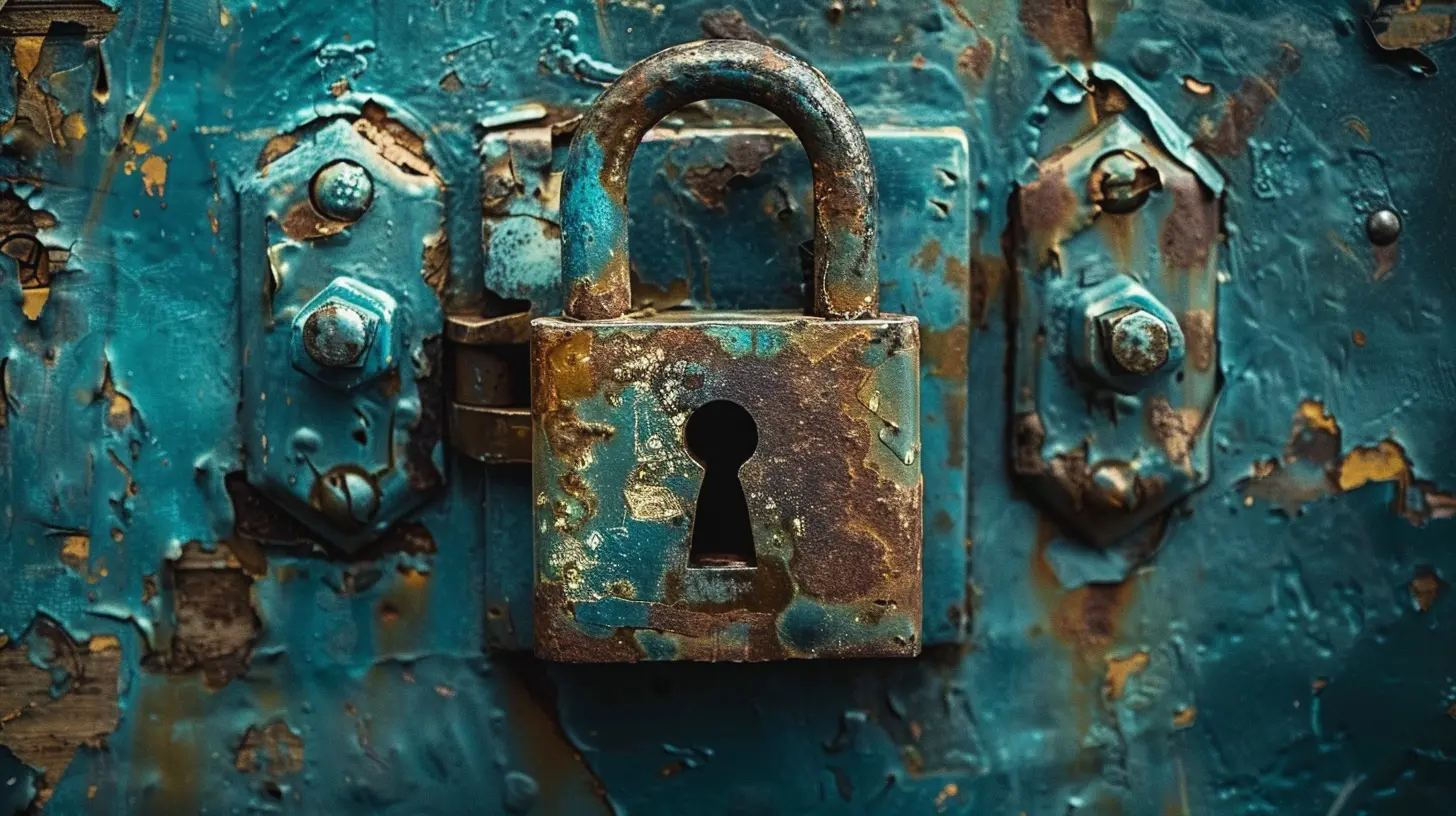
Why Should You Even Care?
Okay, let’s get real. You might be thinking, “Who's even going to want my info? I’m just a regular ol’ person.” Spoiler alert: Hackers don’t just go after celebrities or billionaires. Your personal data—email, birthday, phone number, location—is gold for scammers, identity thieves, and even shady marketers.Here's the deal: the more data you give away freely, the easier it becomes for someone to impersonate you, track your behavior, steal your identity, or even hack into your other accounts.
Yikes, right?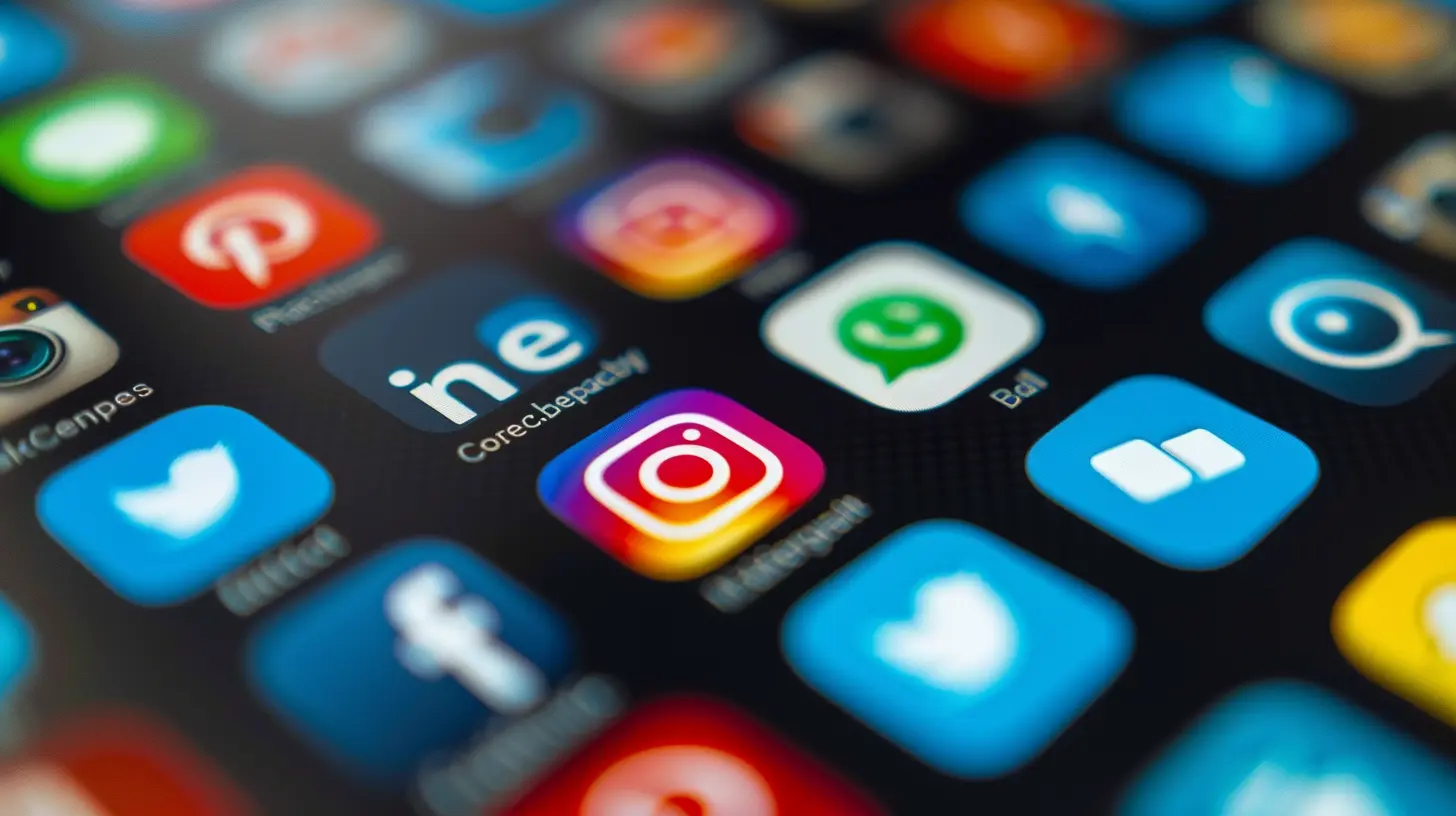
The Social Media Platforms We All Love (And Love to Hate)
Before we dig into the security tips, let's call out the usual suspects:- Facebook (aka data hoarder 101)
- Instagram (owned by Facebook, so yeah… same boat)
- Twitter (well, X now, thanks to Elon)
- TikTok (hello, algorithm wizardry)
- LinkedIn (yes, even your “professional” data matters)
- Snapchat (it vanishes... or does it?)
Each of these platforms collects a boatload of data, and while some do a better job than others at protecting it, none are perfect. So, if you’re posting there—you better be protecting yourself from the start.
Lock It Down: Privacy Settings Are Your BFF
Most people never peek at their privacy settings after signing up. Big mistake, my friend. That’s like closing your front door but leaving it unlocked with a neon sign saying “Come on in!”Here’s what you need to do:
🔒 Dive Into Your Privacy Settings
Take 10 minutes, grab a coffee, and go through each platform's privacy settings. Make sure:- Only friends or approved followers can see your posts.
- You're not sharing your location unless you really want to.
- Your profile info (email, birthday, phone number) is hidden from strangers.
👀 Review Who Can See What
Some platforms let you customize visibility per post. Use it. Seriously. If you’re posting pics from your cousin’s wedding, maybe keep it to friends and not your entire online universe.🔕 Turn Off Location Sharing
Unless you’re trying to get stalked (please don’t), disable location tagging. Anyone seeing your posts doesn’t need to know you’re sipping a coconut mojito in the Bahamas right now.
Password Game: Strong, Smart, Secure
Let’s have a heart-to-heart. If your password is “123456” or your pet’s name + birth year, we need to talk.💡 Tips for Creating a Beast of a Password:
- Use a mix of uppercase, lowercase, numbers, and symbols.- Avoid easily guessable info—names, birthdays, favorite bands.
- Try a passphrase. Something like: `Tacos4Life!OnMondaysOnly`
Or go full James Bond and use a password manager (like LastPass, 1Password, or Bitwarden) to generate and store strong passwords for you.
And for the love of all things techy, don’t reuse passwords across accounts. That’s like using one key for your car, house, locker, and grandma’s cookie jar.
Two-Factor Authentication: Like a Lock + Alarm System
You’ve probably heard of Two-Factor Authentication (2FA), and if you haven’t enabled it yet… what are you even doing?With 2FA, even if someone gets your password, they still need a second code—usually sent to your phone or email—to get in. It's a game-changer.
Almost every major social media platform supports it now. It's security with an extra layer of sass.
Think Before You Share (TMI is a Trap)
We’re all guilty of oversharing sometimes. Birthdays, job updates, relationship statuses, baby pics, vacation check-ins… all seem perfectly innocent. But guess what?Cybercriminals love piecing together your data like a jigsaw puzzle.
🎯 Think Like a Hacker
Every time you post, ask yourself:- Could someone use this to guess my security question?
- Am I giving away my routine, location, or habits?
- Would I be okay if a stranger saw this?
If your answers raise your eyebrows, maybe skip posting it.
Also: those fun quizzes that ask “What’s your elf name?” or “Which city should you live in?”? They're often data traps. They collect your preferences and sometimes even personal answers to common security questions. Sneaky, right?
Friend Requests and Fakes: Stranger Danger 2.0
Okay, social butterflies—it’s great making new connections. But not everyone who slides into your DMs is who they seem.Fake profiles are everywhere, and they’re not just catfishers; some are bots, scammers, or data phishers.
👻 Spot the Fakes:
- They have barely any posts or friends.- Their profile pics look like stock photography.
- They message you immediately after connecting.
- Their messages include suspicious links.
Be cautious. Decline what looks sketchy. And if you're unsure—just ignore. Ghosting is 100% acceptable in this context.
App Permissions: Who's Peeking Through the Window?
Ever signed up for a service using your Facebook or Google login? It’s easy, sure—but it often gives those third-party apps access to more of your data than you’d imagine.🧽 Do a Digital Clean-up:
- Go into each platform’s settings and review connected apps.- Revoke access to anything that looks unfamiliar or unused.
- Remember: Just because it’s not visible, doesn’t mean it's harmless.
This goes double for sketchy browser extensions or mobile apps—only install what's reputable and necessary. Basically, don’t invite strangers into your digital house!
Regular Check-Ups: Be Your Own IT Department
Just like you (hopefully) go to the doctor every once in a while, your social media accounts need an occasional health check too.🔁 Monthly Self-Audit:
- Check login devices—boot out unfamiliar ones.- Change your passwords periodically.
- Review tagged posts and who’s tagging you.
- Update your privacy settings if they’ve added new features.
Be proactive. You don’t want to find out you got hacked from a “Hey, did you just send me this weird link?” message from your mom.
Teach Your Family & Friends (Because One Weak Link…)
You could be a cybersecurity ninja, but if Mom is posting her phone number in the comments or tagging you everywhere, she’s creating openings for the bad guys.Sit down with your loved ones. Explain the basics. Help them lock down their accounts. It’s like digital karma—you protect them, they protect you.
Bonus Round: What to Do If You've Been Compromised
It happens to the best of us. If you suspect your data's been stolen:1. Change your passwords—immediately.
2. Enable 2FA if you haven’t already.
3. Check connected apps and revoke suspicious ones.
4. Look for signs of identity theft—like weird emails or unknown logins.
5. Report it to the platform—they have dedicated support for these issues.
And maybe take a deep breath and a social media detox while you’re at it. Win-win.
Final Thoughts: Be Smart, Stay Social
Look, I’m not saying you need to unplug, wear a tinfoil hat, and live off the grid. Social media has so many upsides—it connects us, entertains us, and sometimes even teaches us cool TikTok dances (no judgment).But just like you lock your doors at night and don’t yell your credit card number in public, a few simple habits go a long way in keeping your digital self safe.
So update those settings, double up your passwords, and scroll with confidence. Your data—and future self—will thank you.
all images in this post were generated using AI tools
Category:
Data SecurityAuthor:

Reese McQuillan
Discussion
rate this article
2 comments
Quentin Cannon
Essential tips for protecting your online privacy!
December 5, 2025 at 5:51 AM
Reese McQuillan
Thank you! Protecting online privacy is crucial, and I'm glad you found the tips helpful. Stay safe online!
Lexi Kane
Empower privacy settings; ignorance compromises your security.
December 2, 2025 at 3:30 AM
Reese McQuillan
Thank you for your comment! Empowering privacy settings is crucial for safeguarding personal data and enhancing security on social media platforms.