Cybersecurity Threats on the Rise and How to Stay Safe
21 May 2026
Let’s be real. In today’s tech-filled lives, it’s not just about keeping your devices charged – it's about keeping them secure. From smartphones to smart homes, everything's online, and that makes cybersecurity more important now than ever. Every click, every download, every password — it all matters.
So what's going on in the world of cyber threats? Why does it feel like every week there's another big hack in the news? And more importantly, how can you protect yourself without needing a tech degree?
Grab a cup of coffee (or tea, no judgment), and let’s break it down.
? Why Are Cybersecurity Threats Increasing?
You’ve probably noticed—cyber threats are popping up like digital weeds. But why now?1. We’re Online More Than Ever
Think about how much time you spend online. Work, school, entertainment, shopping – even your fridge might be connected to the internet. The more we connect, the wider the attack surface for hackers.2. Hackers Are Getting Smarter
Gone are the days of simple email scams. Today’s attackers are tech-savvy, organized, and sometimes even state-sponsored. It’s like Ocean’s Eleven, but online. They’re leveraging AI, machine learning, and automation to target victims faster and more effectively.3. Remote Work Opened New Doors (Literally)
Remote work is great, right? Pajamas, home-brewed coffee, no commute. But the downside? Employees logging in from unsecured networks and personal devices—perfect targets for cyberattacks.
?️ Types of Cybersecurity Threats You Should Know About
Understanding what you're up against is half the battle. Let’s take a closer look at some of the most common and dangerous threats lurking in the digital shadows.1. Phishing Attacks
Ever get an email that looks like it came from your bank, PayPal, or Amazon, but something seems...off? That’s phishing. These emails trick you into handing over sensitive info like login credentials or credit card numbers. It’s like someone pretending to be your friend just to get your Netflix password.2. Ransomware
This one’s nasty. Ransomware locks your files and demands payment (usually in Bitcoin). You can’t access your data unless you pay up. Imagine being locked out of your own house until you pay a stranger. That’s the digital equivalent.3. Malware
Malware is a term for any malicious software: viruses, worms, spyware, trojans — you name it. Once it’s in your system, it can spy on you, steal info, or even turn your computer into part of a botnet army. Yep, it’s as creepy as it sounds.4. Man-in-the-Middle Attacks
Let’s say you’re on a public Wi-Fi network. A hacker intercepts your data as it’s being sent from your device to a website. It’s like whispering a secret to a friend, except someone’s secretly listening in.5. Credential Stuffing
This one thrives on people using the same password everywhere (you know who you are). Hackers use stolen passwords from one site and try them on another. If you reuse passwords, you're basically handing them the keys to your digital kingdom.
?️ How to Stay Safe in This Digital Jungle
Alright, now that we’ve scared you a little (oops), let’s get into how you can actually protect yourself. Good news: you don’t need to be a hacker to beat one.1. Use Strong, Unique Passwords
Yes, we hear this all the time, but there's a reason. Using the same password everywhere is like using one key for your house, car, safe, and office. Once it's stolen, you’re done.? Try a password manager. It remembers all your passwords for you, and you only need to remember one super-secure master password.
2. Enable Two-Factor Authentication (2FA)
This is a game-changer. 2FA adds an extra layer of security. Even if someone gets your password, they'll still need that second factor (like a code sent to your phone).Bonus tip: Avoid using SMS for 2FA when possible. Opt for authenticator apps like Google Authenticator or Authy.
3. Keep Software Up-to-Date
Those annoying update notifications? Yeah, stop ignoring them. Updates often patch critical security vulnerabilities. The longer you wait, the more exposed you are.4. Beware of Public Wi-Fi
Free Wi-Fi at the coffee shop may be tempting, but it's also a hacker’s paradise. Always use a VPN (Virtual Private Network) when browsing on public networks. It encrypts your internet traffic—like sending secret messages no one else can read.5. Think Before You Click
That’s right. Don’t just click on every link or attachment you see. If an email feels fishy, it probably is. Hover over links to see where they really go, and double-check the sender’s address.6. Back Up Your Data
Ransomware can’t hold your data hostage if you have backups. Use an external hard drive or cloud backup service and make it a habit. Think of it like insurance for your digital life.7. Use Antivirus and Anti-Malware Software
These tools act as the bodyguards of your devices. They won’t catch everything, but they’re a solid first line of defense.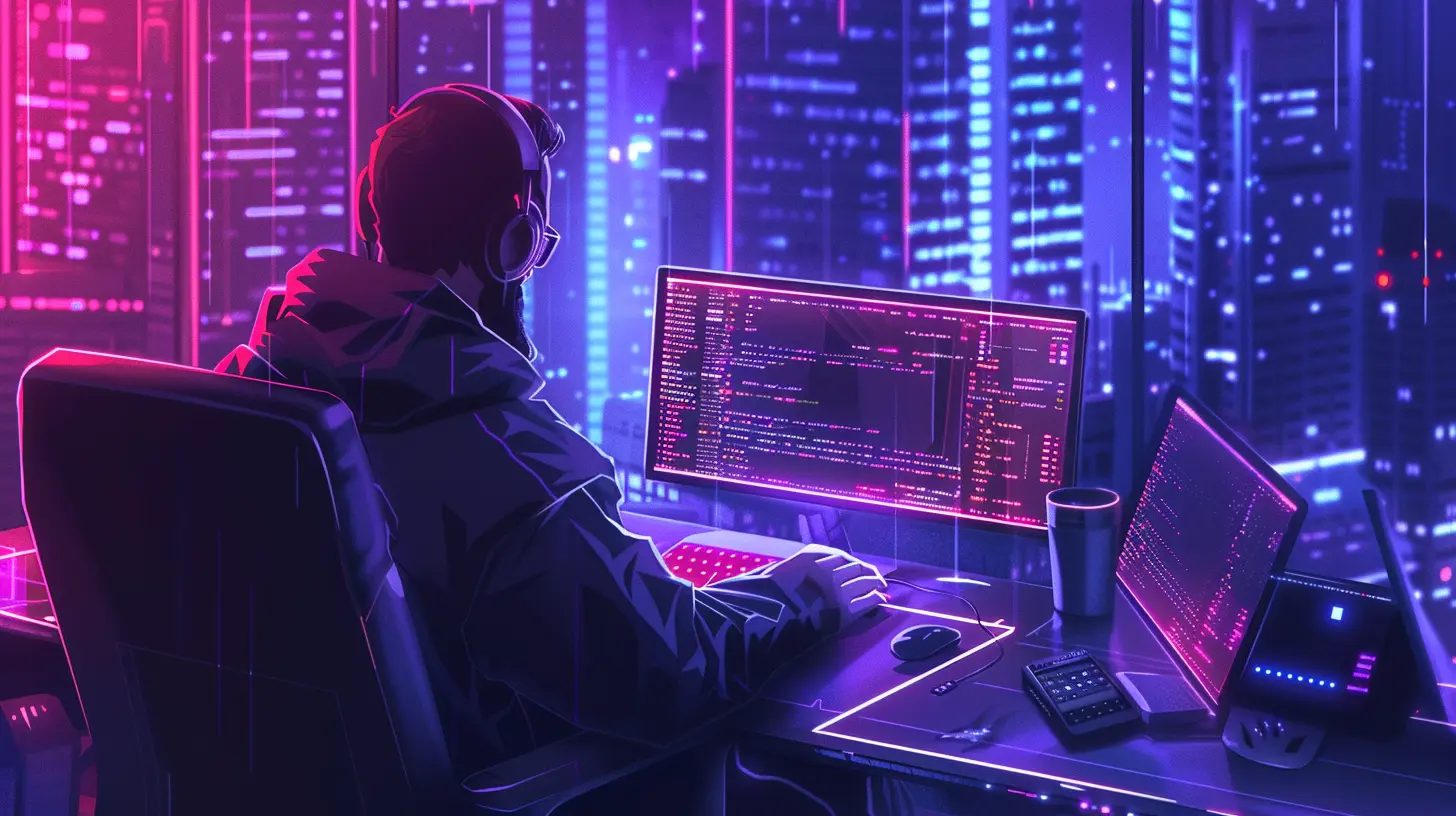
? Security Isn’t Just Tools – It’s Mindset
Cybersecurity isn’t just about tech. It’s about habits. Think like a hacker but act like a digital ninja. Always ask yourself, “Is this safe?” before making a move online.Spot Red Flags ?
- Spelling and grammar errors in emails- Unexpected attachments
- Urgent language like “Act now!” or “Your account will be locked!”
- Slight changes in email addresses or URLs
Practice Digital Hygiene ?
- Log out of accounts when not in use- Don’t save passwords in browser (use a manager!)
- Review your privacy settings on social media
- Regularly review your digital footprint
? What About Businesses?
If you run or work for a business, don’t think hackers won’t come for you. Small businesses are actually big targets because they usually have weaker security.Must-Have Business Security Steps:
- Employee training (yes, really)- Regular security audits
- Reliable firewalls and antivirus systems
- Strong access control (no one should have more access than they need)
- Data encryption, especially for sensitive customer data
Remember: when it comes to cybersecurity, the weakest link is often human. One careless employee clicking on a bad link can bring the whole system down.
? The Future of Cybersecurity
Cyber threats aren’t going anywhere. In fact, we’re likely to see more AI-powered attacks, deepfake scams, and smarter phishing techniques. But just like technology evolves, so does our ability to defend.Companies are investing more in AI-driven security tools, real-time threat analysis, and zero-trust frameworks. But at the end of the day, the best defense is still a mix of good tech and smart users.
Stay informed, stay cautious, and don’t underestimate the power of a strong password.
? Final Thoughts
Cybersecurity sounds intimidating, but it's really just about being smart with your digital life. Think of it like locking your doors at night or looking both ways before crossing the street. It's not paranoia—it's just common sense.The internet is an amazing place full of knowledge, connection, and opportunity. But just like any city, it has its dark alleys. So keep your eyes open, stay alert, and you'll navigate it just fine.
You don’t need to be an expert—you just need to care. Your data is worth protecting. Keep it safe.
all images in this post were generated using AI tools
Category:
Data SecurityAuthor:

Reese McQuillan
Discussion
rate this article
1 comments
Elias Palmer
What new tactics are hackers using now?
May 22, 2026 at 4:17 AM
Reese McQuillan
Hackers are increasingly using social engineering and AI-generated phishing attacks to trick users. Stay vigilant and verify sources before clicking links or sharing information.