Tips for Keeping Your Smartphone Safe from Hackers
10 December 2025
Smartphones have become an extension of ourselves. We use them for everything—banking, social media, emails, and even work-related tasks. But as much as they make our lives easier, they also make us vulnerable to cyber threats.
Hackers are always looking for ways to exploit weaknesses in your phone’s security, and if you’re not careful, you could end up handing them the keys to your digital life. So, how do you keep your smartphone safe from hackers? Let’s dive into some practical and effective tips.
1. Keep Your Software Updated
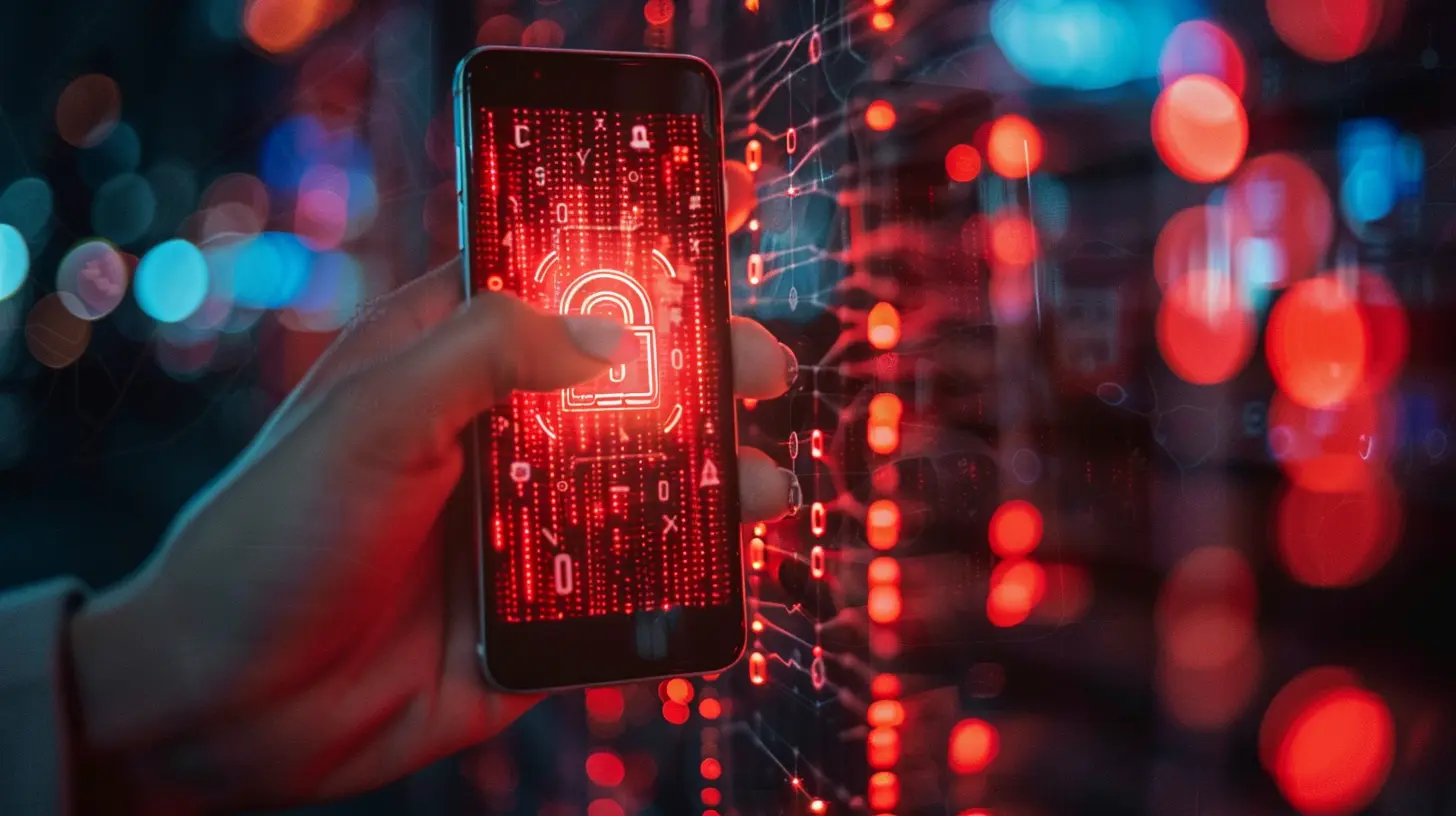
One of the easiest yet most effective ways to protect your smartphone is to keep its software updated.Why is this important? Every update contains security patches that fix vulnerabilities hackers can exploit. If you ignore these updates, you’re leaving your phone open to cyberattacks.
What should you do?
- Enable automatic updates for your phone’s operating system.
- Regularly update your apps through the App Store or Google Play Store.
- Delete outdated or unused apps—they can become security risks if left unattended.
2. Use Strong and Unique Passwords
Your password is the first line of defense against hackers. A weak password is like leaving your front door open for thieves.How can you secure your accounts?
- Avoid using obvious passwords like 123456, password, or your birthday.
- Use a mix of letters, numbers, and special characters to create a strong password.
- Never reuse the same password across multiple accounts.
- Consider using a password manager to generate and store complex passwords for you.

3. Enable Two-Factor Authentication (2FA)
Think of two-factor authentication as a double lock on your front door. Even if a hacker cracks your password, they still need a second verification code to get in.How to set up 2FA?
- Go to your account settings in apps like Google, Facebook, and banking services.
- Enable 2FA using SMS codes, authenticator apps (like Google Authenticator), or biometric authentication.
- Avoid using SMS-based 2FA alone, as SIM swapping attacks can compromise it. Instead, opt for an authenticator app.
4. Be Wary of Public Wi-Fi
Public Wi-Fi is a hacker’s paradise. If you connect to an unsecured network at a coffee shop, airport, or hotel, hackers can intercept your data easily.How do you stay safe on public Wi-Fi?
- Avoid accessing sensitive accounts (like banking or email) while connected to public Wi-Fi.
- Use a VPN (Virtual Private Network) to encrypt your internet connection.
- If possible, use your mobile data or personal hotspot instead of public Wi-Fi.
5. Download Apps Only from Trusted Sources
Not all apps are created equal. Some apps contain malware designed to steal your personal information.How to ensure app safety?
- Only download apps from official stores like Google Play Store and Apple App Store.
- Avoid downloading APK files or apps from unverified third-party sources.
- Check app permissions before installing. If a flashlight app asks for access to your contacts, that’s a red flag.
6. Be Cautious with Links and Attachments
Phishing scams are everywhere. You might receive an email, text, or social media message with a link that looks legitimate but is actually designed to steal your personal data.How to avoid phishing scams?
- Never click on suspicious links in emails, messages, or pop-ups.
- Check the sender’s email address—a hacked email might look almost identical to a real one but with minor variations.
- If a website asks for sensitive information, double-check the URL—scammers often create fake websites that look like the real deal.
7. Lock Your Phone with a Secure Method
If someone gets physical access to your phone, they can bypass security settings if it’s not locked properly.Best ways to lock your phone:
- Use a strong PIN or password (avoid simple ones like 0000 or 1234).
- Enable biometric authentication (fingerprint or face recognition) for extra security.
- Set up automatic lock after a short period of inactivity to prevent unauthorized access.
8. Keep Bluetooth and Wi-Fi Off When Not in Use
Leaving Bluetooth or Wi-Fi on all the time might seem harmless, but hackers can exploit vulnerabilities in these connections.What should you do?
- Turn off Bluetooth and Wi-Fi when you’re not using them.
- Avoid connecting to unknown Bluetooth devices or public networks.
- Always forget public Wi-Fi networks you no longer need to prevent automatic reconnections.
9. Be Selective About App Permissions
Some apps ask for unnecessary permissions that could compromise your privacy.How to manage app permissions?
- Go to your phone’s settings > app permissions and review which apps have access to your location, contacts, and storage.
- Disable permissions that aren’t needed. For example, a calculator app shouldn’t need access to your microphone.
10. Back Up Your Data Regularly
Even with all these precautions, there’s always a risk of being hacked. A solid backup strategy ensures you don’t lose important data.How to back up your smartphone?
- Use cloud storage services like Google Drive, iCloud, or OneDrive.
- Set up automatic backups for your photos, contacts, and important files.
- Keep a physical backup on an external hard drive or computer.
11. Be Mindful of What You Share Online
Hackers can use personal details from your social media to guess passwords or launch targeted attacks.How to stay private online?
- Avoid posting too much personal information (like your full birthdate or location).
- Adjust your privacy settings so only trusted people can see your posts.
- Be cautious about friend requests from strangers—they might be scammers in disguise.
12. Use Security Software
Having a good mobile security app adds another layer of protection.Best mobile security practices:
- Install a trusted antivirus app such as Bitdefender, Avast, or Norton.
- Use a device locator (Find My iPhone for Apple users or Find My Device for Android).
- Enable remote wipe so you can erase data in case your phone is stolen.
Final Thoughts
Hackers are always evolving their tactics, but by taking these precautions, you can dramatically reduce the risk of becoming a victim. Keeping your smartphone safe from hackers isn’t just about technology—it’s about staying vigilant and developing good security habits.So, take a few minutes today to implement these tips, and keep your personal data out of the wrong hands. Stay safe out there!
all images in this post were generated using AI tools
Category:
SmartphonesAuthor:

Reese McQuillan
Discussion
rate this article
2 comments
Ulysses Sawyer
Great tips! In today's digital age, safeguarding your smartphone is essential for peace of mind. By implementing these strategies, you're not just protecting your device but also empowering yourself. Stay vigilant, keep learning, and remember: a secure smartphone leads to a more confident and stress-free digital experience. Keep shining!
December 19, 2025 at 5:56 AM
Reese McQuillan
Thank you! I couldn't agree more—empowering ourselves with knowledge is key to smartphone safety. Stay secure!
Raina Davis
“Remember: don’t let hackers swipe your swipes!”
December 16, 2025 at 5:17 AM
Reese McQuillan
Great reminder! Keeping your data secure is essential. Thanks for highlighting that!