The Best Laptops for College Students: From Budget to Premium
4 July 2026
Choosing the right laptop for college can be as tough as picking a major. Seriously, it's not just about grabbing the one with the slickest design or the fanciest brand name plastered on the lid. College students have different needs when it comes to laptops, whether it’s for taking notes in class, working on assignments, or binge-watching Netflix (don’t worry, we won’t tell your professors).
With so many options out there, it's easy to feel overwhelmed. But don’t sweat it! Whether you're on a tight budget or willing to splurge on some premium features, this guide will break down the best laptops for college students. From budget-friendly machines to high-end powerhouses, there’s something here for every type of student. Ready to dive in? Let’s go!
Why Your Laptop Choice Matters
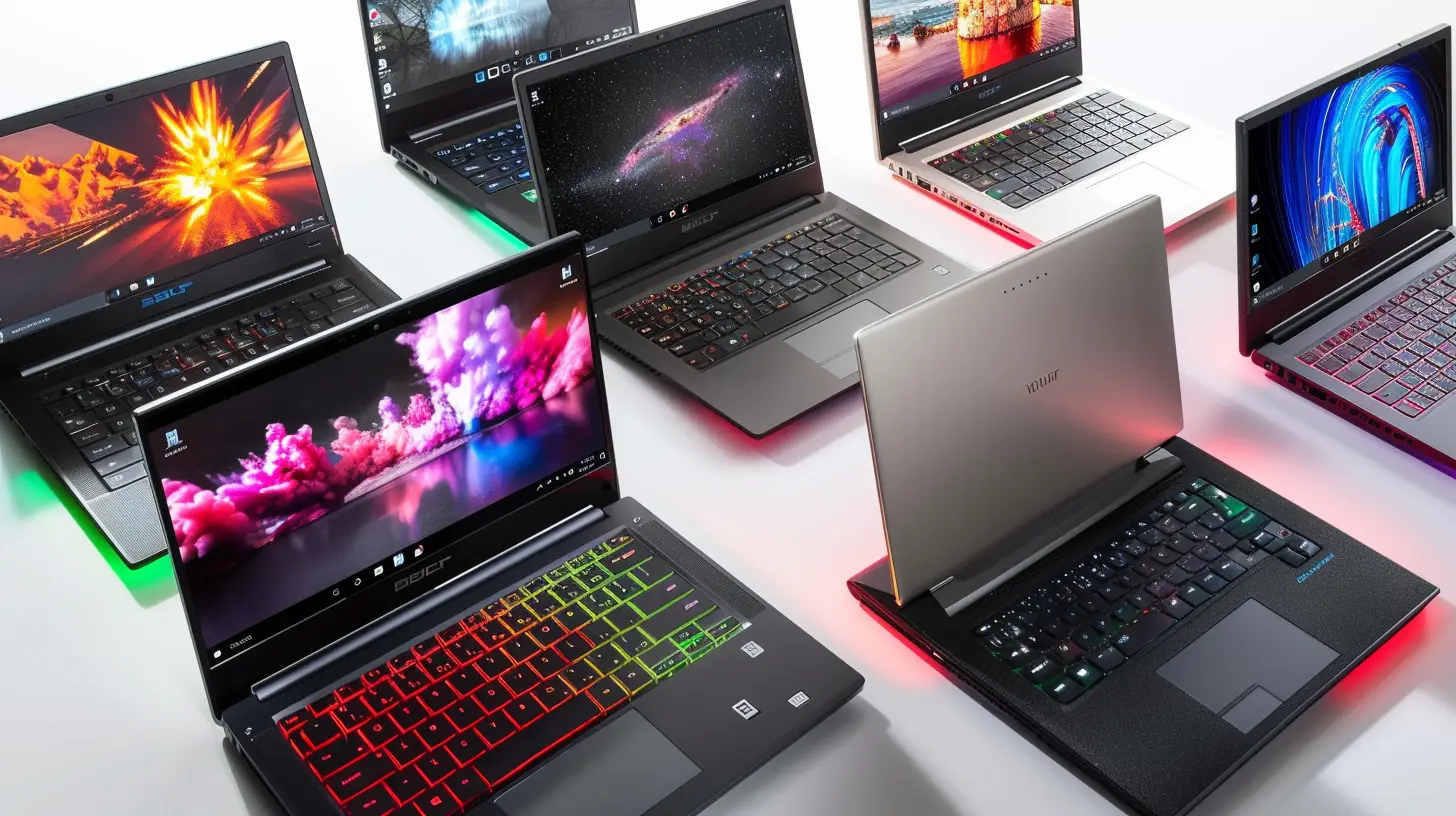
Before we start listing laptops like it’s a shopping spree, let's talk about why choosing the right laptop is crucial. For college students, a laptop isn't just a device—it’s your portable office, entertainment hub, and possibly even your lifeline to stay organized. From researching papers to Zoom calls with your study group, this machine is going to be your right-hand companion for at least the next four years.So, what should you look for in a college laptop? The answer depends on your specific needs. Are you a design student who needs powerful graphics capabilities? Or are you a business major who just needs something reliable for spreadsheets and presentations? Maybe you're just looking for the best value for your money?
Let’s consider the key factors that should guide your decision:
1. Portability – You’ll be lugging this thing around campus, so it shouldn’t feel like you’re carrying a brick.
2. Battery Life – You don’t want your laptop to die in the middle of a lecture or study session.
3. Performance – Think about your software needs. Do you just need something for basic tasks, or are you running heavy-duty apps?
4. Budget – As a student, you probably don’t want to break the bank, but you still want quality.
Now that we’ve covered the essentials, let’s explore the best laptops for different types of students.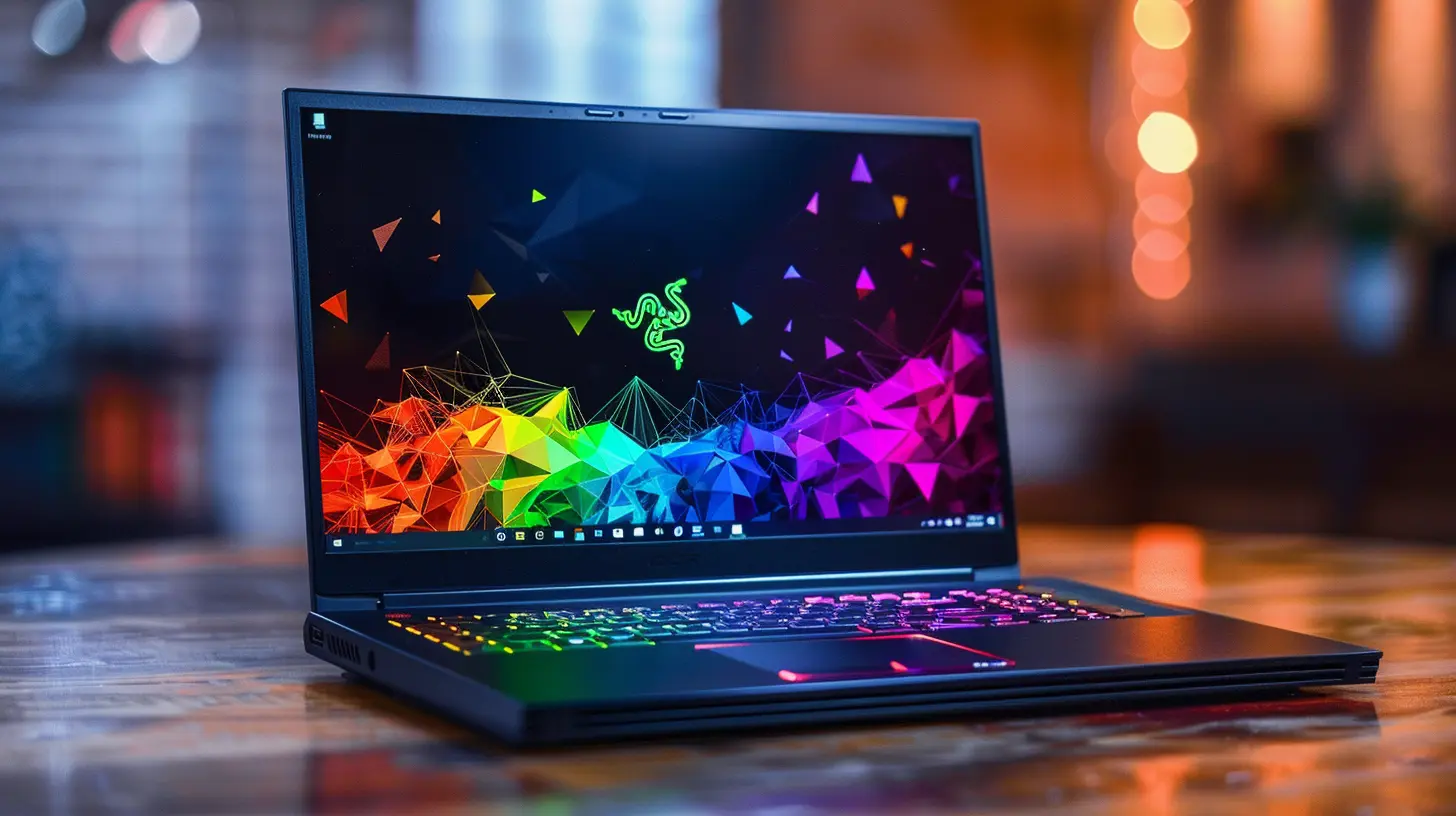
Best Budget Laptops for College Students
If you’re balling on a budget (aren’t we all in college?), you’ll want something that’s affordable but still packs enough punch to handle day-to-day tasks like note-taking, web browsing, and streaming. These options won’t leave your wallet gasping for air, but they’ll still get the job done.1. Acer Aspire 5
The Acer Aspire 5 is like that reliable friend who’s always there for you when you need them. It may not be the flashiest laptop out there, but it’s solid where it counts. Sporting a 15.6-inch Full HD display, this laptop provides a great viewing experience for both work and play. It’s powered by an AMD Ryzen 5 processor, which ensures it runs smoothly whether you’re multitasking or streaming Netflix in HD.Another bonus? It has a backlit keyboard—a feature you rarely see at this price point. Perfect for those late-night study sessions when you're burning the midnight oil.
Pros:
- Affordable price
- Full HD display
- Decent performance for everyday use
- Backlit keyboard
Cons:
- A bit bulky for portability
- Average battery life
2. Lenovo Chromebook Flex 5
Not everyone needs a Windows laptop. If you're deep into Google's ecosystem (Google Drive, Docs, Sheets, etc.), a Chromebook might be all you need. The Lenovo Chromebook Flex 5 is an excellent choice for students who want a 2-in-1 device that's both affordable and versatile. It features a 360-degree hinge, allowing you to flip it into tablet mode—ideal for taking notes or watching videos.With its Intel Core i3 processor, it’s fast enough for most browser-based tasks. Plus, Chromebooks are known for their long battery life, meaning you won’t need to hover near an outlet all day.
Pros:
- Affordable
- Incredible battery life
- Lightweight and portable
- 2-in-1 flexibility
Cons:
- Limited to ChromeOS apps
- Not suitable for heavy software like Adobe or AutoCAD
3. HP Pavilion 14
The HP Pavilion 14 is like the middle ground between affordability and performance. It boasts a 14-inch Full HD display, an Intel Core i5 processor, and 8GB of RAM, making it a perfect choice for students who need a little more oomph without spending a fortune. Whether you're working on a research paper or streaming a tutorial, this laptop can keep up.Plus, it’s sleek and lightweight, making it easy to carry around campus.
Pros:
- Great performance for the price
- Sleek and lightweight design
- Perfect for multitasking
Cons:
- Battery life could be better
- Display brightness is average
Mid-Range Laptops: The Sweet Spot
If you’ve got a little more wiggle room in your budget, these mid-range laptops offer a blend of performance, design, and features that should satisfy most students. They may not be dirt-cheap, but they won’t leave you broke either. Think of them as the Goldilocks zone—not too expensive, but not too basic.1. Dell XPS 13
The Dell XPS 13 is like the overachiever in class who somehow manages to be good at everything. It’s slim, lightweight, and packs a punch with its Intel Core i7 processor, making it a great choice for students who need a bit more power under the hood. Whether you’re doing some light video editing, running multiple programs, or just browsing the web, this laptop can handle it all without breaking a sweat.The near-borderless 13.4-inch InfinityEdge display is a visual treat, perfect for everything from presentations to Netflix binges. Plus, the build quality is top-notch, with a durable aluminum chassis that can take a beating in your backpack.
Pros:
- Stunning display
- Super lightweight and portable
- Powerful performance
Cons:
- Can get pricey with higher configurations
- Limited port selection
2. Apple MacBook Air (M1, 2020)
Ah, the MacBook Air. It’s practically an icon in the college world. The 2020 model, powered by Apple’s M1 chip, takes performance to a whole new level. The M1 MacBook Air is not only fast but also incredibly energy-efficient, giving you up to 18 hours of battery life. That means you could literally pull an all-nighter and still have juice left in the morning.The 13.3-inch Retina display is gorgeous, making text and images pop with clarity. And, of course, it’s a Mac, so you’ll get that seamless integration with all your other Apple devices (if you’re part of the Apple ecosystem).
Pros:
- Insane battery life
- Super fast M1 chip
- Beautiful Retina display
Cons:
- Limited ports (need adapters)
- Pricey for students on a budget
3. Microsoft Surface Laptop 4
If you’re looking for a Windows-based competitor to the MacBook, the Microsoft Surface Laptop 4 is a strong contender. It’s sleek, stylish, and available in both 13.5-inch and 15-inch models. The Surface Laptop 4 is powered by either an Intel or AMD processor, and both options deliver excellent performance for multitasking, light gaming, and creative work.The keyboard is one of the best on the market, which is a huge plus for students who spend hours typing away on essays. And with up to 19 hours of battery life, you won’t be left stranded near a power outlet.
Pros:
- Fantastic keyboard and typing experience
- Long battery life
- Lightweight and portable
Cons:
- USB-C ports but no Thunderbolt
- Pricey for higher configurations
Premium Laptops for College Students
If you don’t mind splurging a little—or a lot—on a laptop that will last you beyond your college years, these premium options offer top-tier performance, design, and features. They’re the Ferraris of laptops, and if you can afford one, they’re well worth the investment.1. Apple MacBook Pro (M1, 2021)
The MacBook Pro is for students who need serious power. Whether you're a video editor, graphic designer, or engineering student running complex simulations, the M1-powered MacBook Pro can handle it all with ease. The 2021 model comes with a 14-inch or 16-inch Liquid Retina XDR display, which is nothing short of stunning.With up to 64GB of unified memory and up to 8TB of storage, this laptop is a beast. And thanks to the M1 chip, it’s not only powerful but also incredibly energy-efficient, offering all-day battery life.
Pros:
- Unmatched performance
- Gorgeous display
- Long battery life
Cons:
- Expensive
- Overkill for basic tasks
2. Razer Blade 15
If you’re both a student and a gamer, the Razer Blade 15 might just be your dream machine. This laptop combines sleek design with serious gaming performance, thanks to its Intel Core i7 processor and NVIDIA GeForce RTX graphics card. It’s perfect for students who need a laptop for schoolwork but also want to unwind with a few rounds of gaming after class.The 15.6-inch Full HD display with a 144Hz refresh rate ensures smooth visuals, whether you’re editing videos or playing the latest AAA games.
Pros:
- High-end gaming performance
- Sleek, premium design
- Great display
Cons:
- Expensive
- Short battery life under heavy use
Final Thoughts: Which Laptop is Right for You?
At the end of the day, the best laptop for college students really depends on your specific needs and, of course, your budget. If you’re just looking for something basic to get you through lectures and essays, a budget option like the Acer Aspire 5 or Lenovo Chromebook Flex 5 will do the trick without breaking the bank. But if you need more power for creative work or gaming, you might want to consider something like the Dell XPS 13 or Razer Blade 15.Ultimately, the best laptop is the one that suits your lifestyle, study habits, and, of course, your wallet. Good luck, and may your laptop serve you well throughout your college journey!
all images in this post were generated using AI tools
Category:
Laptop ReviewsAuthor:

Reese McQuillan