How Smart Displays Enhance Remote Work and Video Conferencing
25 July 2026
Remote work has become the new norm, and with it comes the need for efficient communication and collaboration. Video conferencing is at the heart of this shift, allowing teams to stay connected no matter where they are. But have you ever struggled with poor video quality, choppy audio, or the hassle of juggling multiple devices?
Enter smart displays: the game-changers in remote work and virtual meetings. These devices aren’t just fancy screens; they’re powerful tools designed to make your work-from-home experience smoother, smarter, and more productive. Let’s dive into how smart displays enhance remote work and video conferencing.
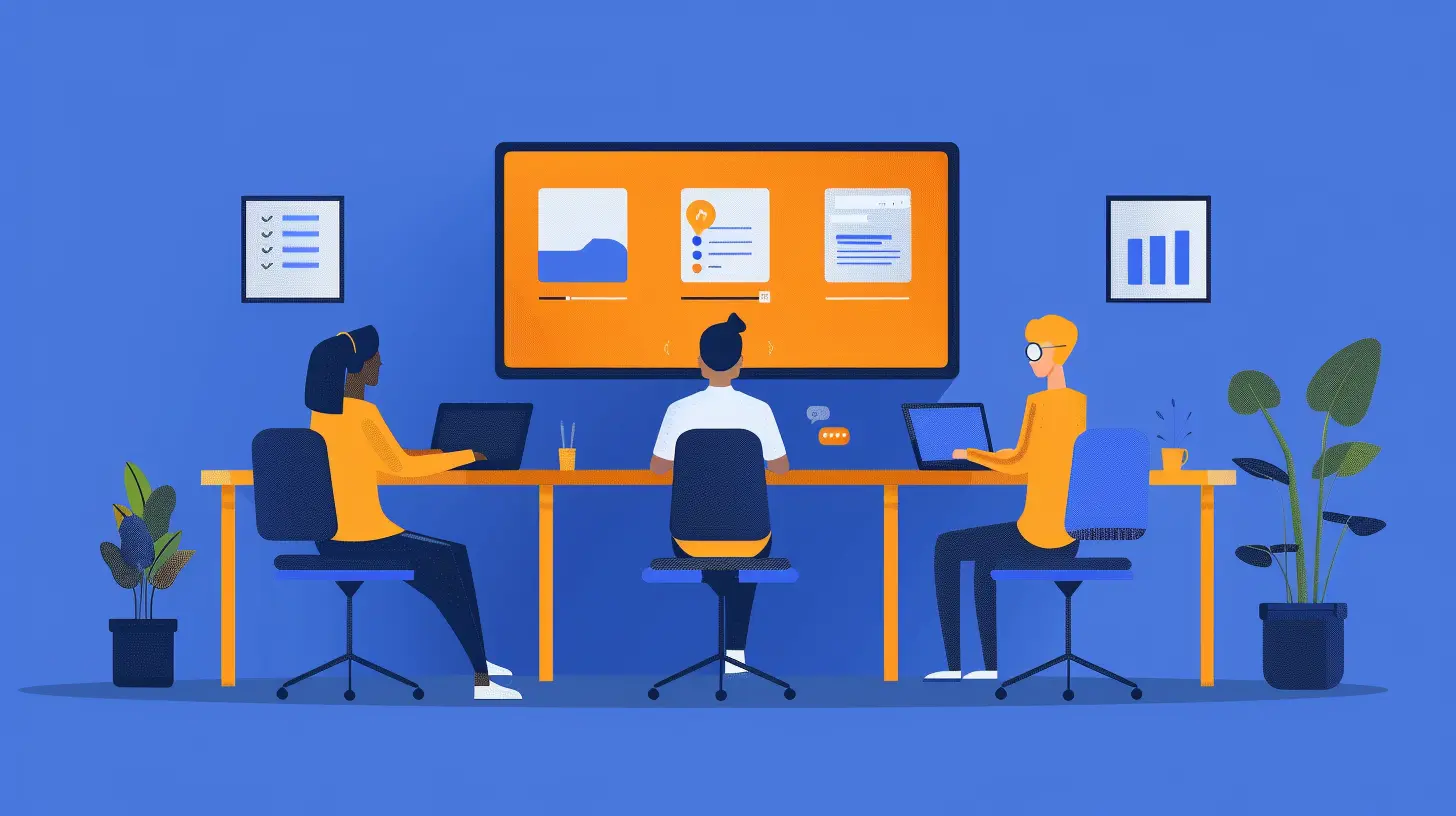
What Are Smart Displays?
Before we get into the benefits, let’s clarify what smart displays are.A smart display is a touchscreen device with built-in AI assistants like Google Assistant or Amazon Alexa. Unlike regular monitors, smart displays come with microphones, cameras, and speakers, making them ideal for video calls, hands-free operation, and productivity tasks. Think of them as the lovechild of a tablet and a smart speaker—offering both visual and voice interactions.

Why Smart Displays Are a Game-Changer for Remote Work
Now, let’s break down how these devices can make your remote work experience better.1. Seamless Video Conferencing
Ever had a video call where your laptop camera looked grainy, your microphone picked up background noise, or your speakers weren’t loud enough? Smart displays solve these common annoyances.- High-Quality Cameras – Many smart displays come with HD or even 4K cameras, ensuring crystal-clear video quality.
- Noise-Canceling Microphones – They can filter out background noise, so your colleagues don’t hear your dog barking or your neighbor’s lawnmower.
- Optimized Audio – Built-in speakers enhance voice clarity, reducing the need for external audio devices.
2. Hands-Free Operation with Voice Assistants
Who doesn’t love a little convenience? With smart displays, you can start a video call using just your voice.- “Hey Google, start a Zoom call with Sarah.”
- “Alexa, join my Microsoft Teams meeting.”
No more fumbling around with your mouse or keyboard—just say the command, and you're in the meeting.
3. Dual-Screen Efficiency
One of the most frustrating aspects of remote work is switching between tabs during meetings. Smart displays can act as a second screen, allowing you to:- Keep your video call open on one screen while working on another.
- Display presentation slides while still seeing the faces of your coworkers.
- Use the touchscreen to navigate through documents without disrupting the meeting on your primary monitor.
4. Better Meeting Collaboration
Collaboration is key in remote work, and smart displays take it up a notch. These devices integrate with productivity tools like:- Google Workspace (Docs, Sheets, Slides)
- Microsoft Office 365
- Trello, Asana, and other project management apps
You can edit documents, take notes, and assign tasks—all in real time during a meeting. No more awkward “Let me share my screen” moments!
5. Enhanced Security and Privacy Features
Security is a big concern when working remotely. Thankfully, smart displays come with built-in security features such as:- Camera Privacy Shutters – Easily slide the cover over the camera lens when not in use.
- Microphone Mute Switches – Ensure that no one listens in when you’re not on a call.
- Facial Recognition & Voice Match – Some devices can recognize individual users, offering personalized experiences and restricting access to sensitive data.
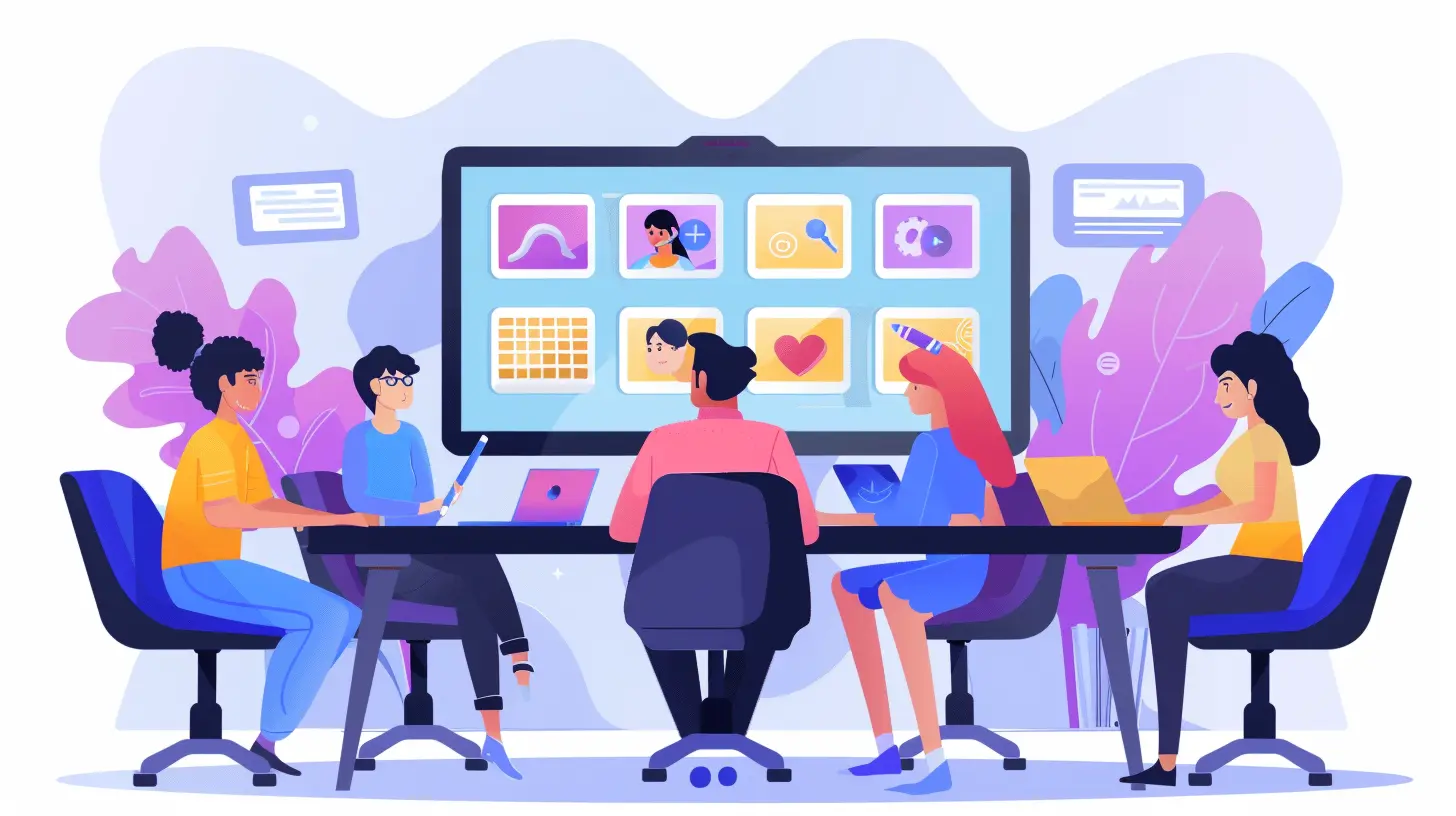
The Best Smart Displays for Remote Work and Virtual Meetings
If you’re intrigued by the idea of a smart display but don’t know which one to get, here are some top options:1. Google Nest Hub Max
- 10-inch HD touchscreen- Google Assistant built-in
- Duo and Google Meet integration
- Face Match and gesture control
2. Amazon Echo Show 10 (3rd Gen)
- Rotating 10.1-inch HD display- Alexa integration
- Works with Skype, Zoom, and Amazon Chime
- Auto-framing camera for optimal positioning
3. Facebook Portal+
- 14-inch rotating touchscreen- AI-powered Smart Camera that tracks movement
- Supports Messenger, WhatsApp, Zoom, and Webex
- Enhanced privacy with camera cover and microphone switch
4. Lenovo Smart Display 10
- 10.1-inch full HD display- Google Duo compatibility
- Google Assistant voice commands
- Sleek, modern design for home offices

Setting Up a Smart Display for Maximum Productivity
Just buying a smart display isn’t enough—you need to set it up correctly to get the most out of it. Here’s what you should do:1. Place It Strategically
Put your smart display at eye level, preferably on your desk, so you don’t have to bend or stretch awkwardly during calls.2. Connect It to Your Work Accounts
Sync your calendar, email, and conferencing apps to ensure seamless integration.3. Adjust Camera and Audio Settings
Make sure your camera is at the right angle and test the microphone to ensure clear audio.4. Enable Smart Assistant Commands
Set up voice commands for launching meetings, checking tasks, and controlling smart home devices.5. Use Productivity Apps
Download collaboration tools and integrate them with your smart display for efficient workflow management.Will Smart Displays Replace Laptops for Remote Work?
Probably not entirely. While smart displays are amazing for video conferencing and collaboration, they’re not full-fledged computers. You’ll still need a laptop or desktop for tasks like coding, graphic design, or extensive document editing.However, for communication and organization, they’re a fantastic addition. Think of them as your personal remote work assistant—always ready to help without the hassle of opening multiple apps.
The Future of Smart Displays in Remote Work
As remote and hybrid work continue to evolve, smart displays will likely become even more advanced. We can expect:- Better AI Integration – Predictive scheduling, automatic transcription, and real-time language translation.
- Improved AR Capabilities – Virtual meeting enhancements that offer a more immersive experience.
- Stronger Privacy Controls – More customization for camera and microphone settings to protect user data.
At the end of the day, smart displays aren’t just a luxury—they’re a necessity for anyone serious about remote work efficiency. If you’re tired of struggling with poor video calls or juggling multiple devices, investing in a smart display is a no-brainer.
Final Thoughts
Smart displays make remote work and virtual meetings a breeze. They offer high-quality video calls, hands-free controls, seamless collaboration, and top-notch security—all in one sleek device. While they won’t replace your computer completely, they’ll certainly boost your productivity and make working from home more enjoyable.So, are you ready to upgrade your remote work setup? Because your video calls—and your sanity—will thank you.
all images in this post were generated using AI tools
Category:
Smart DisplaysAuthor:

Reese McQuillan